PC keyboard controls
Learn the four browser keys and how to give the game keyboard focus before your first attempt.
Play NoomiClone online free in your browser. Swing on the bars, use arch and tuck to shape your motion, then time your release and landing.
Play NoomiClone Online
The playable build is not connected yet. This page is live - add the game URL to start playing.
Loading NoomiClone
20 MB Unity WebGL build - the first load takes 5 to 20 seconds.
Learn the browser controls, build a steady swing, and practice your release.
Wait for the scene to load, then click inside the game so it receives keyboard input.
Use Left Arrow to arch and Space to tuck. Try each input separately and watch how your body position affects the swing.
Repeat a simple swing before attempting a trick. Change one input at a time so you can see what changed.
Press Up Arrow to let go. Try releasing slightly earlier or later on the next attempt and compare your flight path.
Press R to reset. Once you can repeat the release, aim to catch a bar again and extend the line.
See the complete NoomiClone keyboard controls guide: Left Arrow, Space, Up Arrow, and R.
Practical notes for browser controls, swinging, and release timing.
Learn the four browser keys and how to give the game keyboard focus before your first attempt.
Build a readable swing, change one input at a time, and compare how your release timing changes the flight.
Use R to reset between attempts. Start with a reachable bar and practice a controlled release before extending a line.
Prefer a native build? The official mobile releases are free, and the browser version above needs no install at all.
Instant play on this page. Nothing to install.
Open the official Android app listing and check current device availability.
Open the official iPhone and iPad app listing for current availability.
This is an independent fan page, not the developer’s official website. Browser and mobile releases have different controls and features.
Tip: the build is 1280x720. Tap the fullscreen button under the game for a bigger play area.
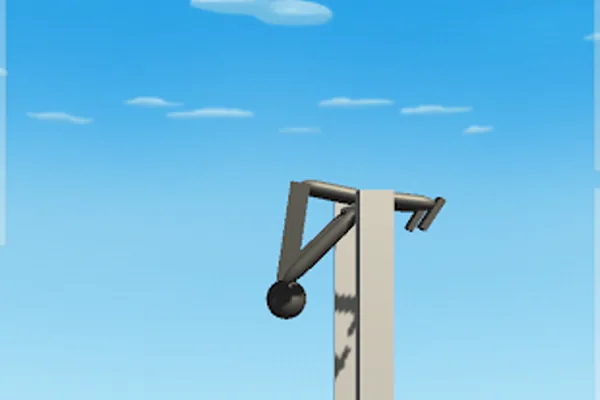
NoomiClone is a physics sandbox built around one deceptively simple idea: what happens between the swing and the landing is entirely up to you. You control a stick-figure athlete on a pair of parallel bars, and every release point, body angle and twist input changes the second that follows. There is no trick list to memorise and no countdown timer - only momentum, timing and nerve.
The core loop is short and endlessly repeatable. Build a swing, choose your release, shape your rotation in the air, then land clean, catch the bar again, or bounce through the trampoline zone and keep going. Bar mode rewards committed releases, while tumbling mode turns the floor into a playground for stacked backflips. Later updates added mid-air twisting, adjustable twist speed, slow motion, pose changes and replay clips, so a trick that felt impossible last week can be recorded and studied today.
NoomiClone was built in Unity by an independent developer and runs as a free browser-playable build alongside full mobile releases on Android and iOS. Everything runs on Unity's physics system, which is exactly why it feels honest: a small change in your release timing produces a visibly different flight path, and no animation fakes the result for you.
What keeps players coming back is that the game has no end state. There is no final level to clear - only a personal best, a cleaner swing, and one more attempt at the trick that keeps knocking you off the bar. Save a replay, look at the exact frame where the rotation drifted, adjust, and go again. It is a small game with an unusually deep learning curve, and it costs nothing to play in a browser tab.
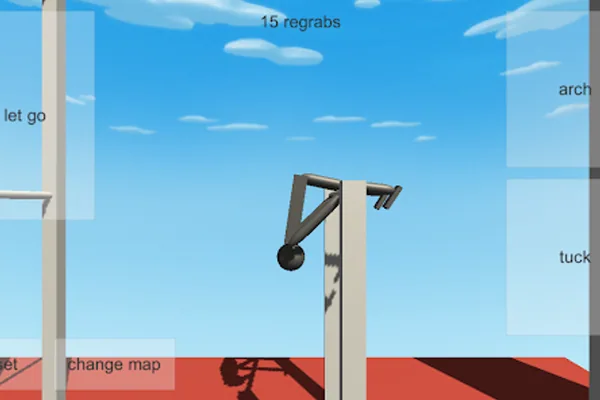
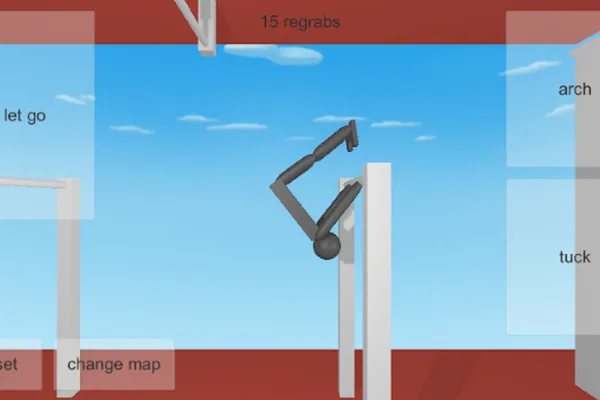
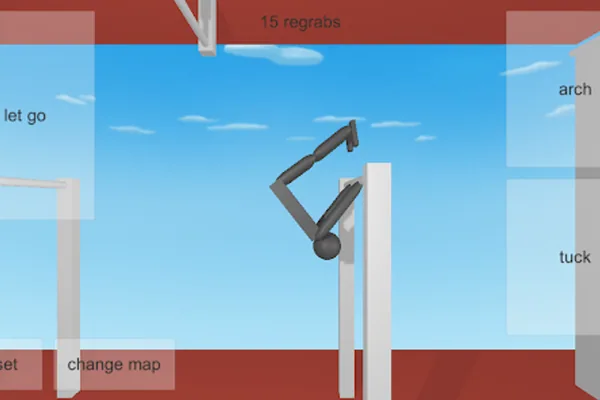
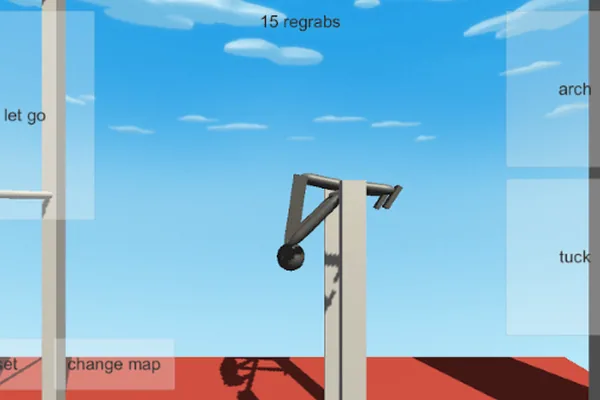
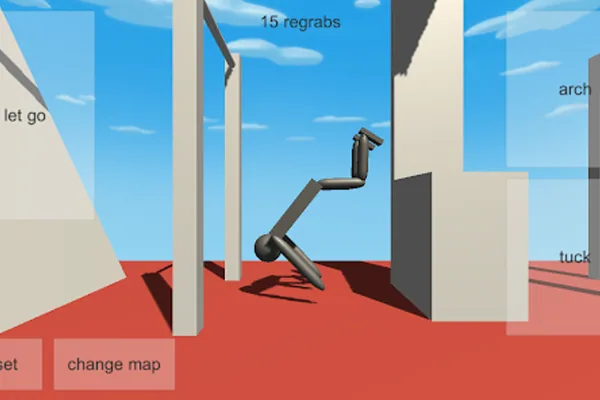
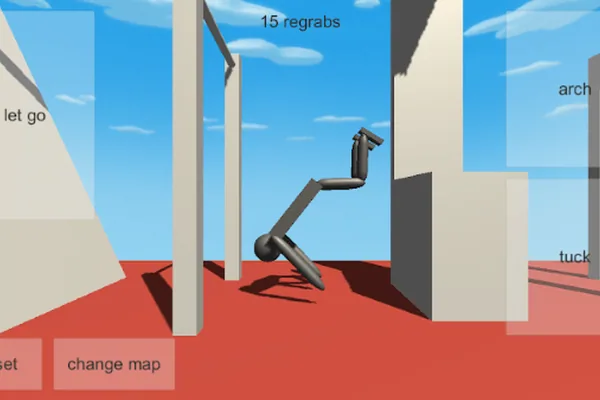
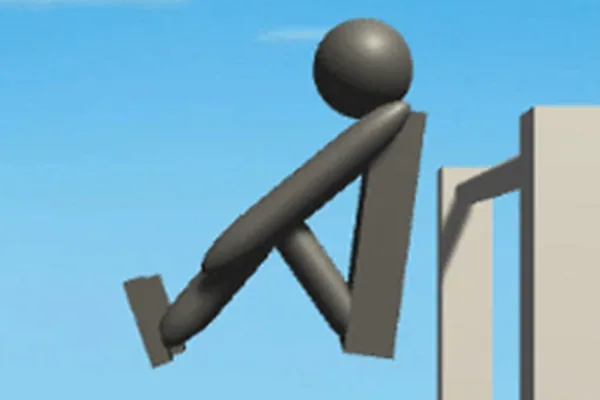
Browser keyboard controls, free online play, mobile versions, and loading help.
NoomiClone is a free physics-based flipping simulator where you swing a stick-figure athlete on parallel bars and try to release, rotate and land cleanly. It mixes gymnastics and calisthenics bar work with freerunning tumbling, and it was built in Unity. Rather than fixed levels, the game gives you a sandbox: experiment with swings, releases, regrabs, twists and trampoline launches until the trick sticks.
Yes. The game is completely free to play in your browser on this page - no account, no download and no payment. The mobile builds on Google Play and the App Store are also free, with optional in-app purchases for extras such as slow motion and saved replays.
The browser version uses four keyboard controls: Left Arrow to arch, Space to tuck, Up Arrow to let go, and R to reset. Click inside the game first so it receives your keyboard input. The Android and iOS apps use on-screen touch controls.
You can play it instantly in this browser, or download the native builds from Google Play or the Apple App Store. The Android package is com.JamesWest.NoomiClone. Desktop players can also run it through an Android emulator or just use the browser version on this page.
NoomiClone has separate Android and iOS apps with touch controls. This page embeds the classic browser build, whose documented controls are Left Arrow, Space, Up Arrow, and R. Mobile app features and browser controls are not identical.
NoomiClone was created by an independent developer and published under the NoomiClone Dev name, with developer credits to Matthew Jones and the package name com.JamesWest.NoomiClone. It has since been updated with new maps, twist controls, replay recording and slow motion.
First check that pop-ups are not being blocked, since the playable build is loaded in a frame. If the frame stays blank, reload the page and press the Play button again. A very slow connection can also stall the first load - give it a few seconds. If nothing works, try a different browser, disable aggressive extensions, or clear the cache for this site.
Comments